Identifying AI Work in a Digital Age
How to spot AI in the digital age
It’s 2026, and AI is everywhere. If you’ve attempted to access customer service for a major company in the past year or so, you’ve probably spoken with an AI-powered chatbot first. But what exactly is AI, and how can you identify AI in artwork or photography?
First of all, AI isn’t actually intelligent. It “learns” by being fed information from humans, about what we like and dislike, and what appropriate answers could be. It can comb through larger amounts of information than a human could ever process at speeds we can hardly fathom to look for patterns, and give us what it guesses will be the most appropriate answer. However, it doesn’t actively seek out new knowledge and experiences. Those desires are still human.
So, how does this pertain to art? Well, some art studios, graphics designers, and restoration centers have been turning to AI to assist them in their work. Truthfully, AI shows great promise in assisting artists if used properly. AI lacks the capacity for artistic inspiration, but it can link together ideas from a trove of previous human experience to suggest paths forward for artists to build off of.
That said, AI can’t yet replace humans in seeing the entirety of artwork, photos, or videos, nor can it “see” at all. It simply evaluates pixels and does its best. Some tips for identifying things that are completely AI-generated, without any human artistic input, are:
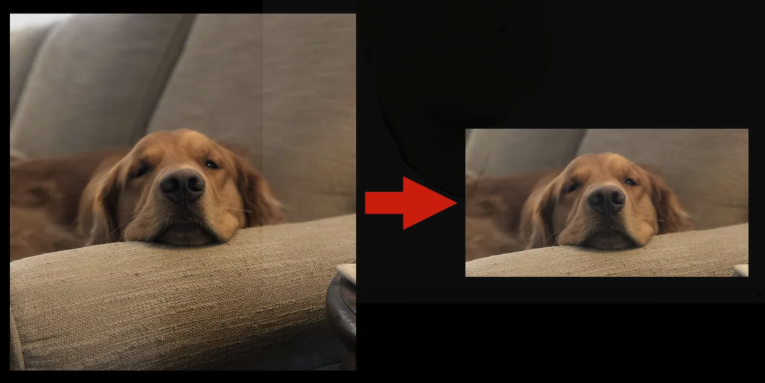
If you have the original, look to the edges. AI systems don’t really know where photographs end, so they have to guess. Often, the result will be that the photo looks zoomed in, and about an inch around the border will be missing.
Look for teeth and fingers. AI work is generative. Every time it’s asked to do something, it creates something new, rather than just editing what already exists. It can’t just change the background color of your high school yearbook photo. It has to rebuild EVERYTHING. This means it has to guess on a lot of things, especially when details get small. If someone’s hand suddenly has 6 fingers, or the number of teeth in their mouth has changed in a portrait, that is a surefire sign of pure AI.
Check out the backgrounds. For photographs, you might see garbled text on a sign, or a tree floating, something that looks fine until you really focus on it. In videos, the background might be unnaturally still, or people might be walking backwards.
AI work is only going to get better as time goes by, and as long as it’s used properly, that’s a good thing. When we have tools, we want those tools to work well. By using these diligent steps, you’ll be able to more regularly identify what is the work of an artist, and what is simply the tool doing the job by itself.
Earlier is Better
It All Begins Here
Our eyes and ears are wonderful things. They allow us to fully engage with the world, communicate with others, and serve as our gates to the past, present, and future. However, when paired with our very human brains, they are also not perfect at noticing things. The reason for this is simple: our brains are too busy keeping us alive to process everything, so it looks for big changes. If we see the same person, and they look roughly the same, our brain will quickly tell us “everything’s fine” and zone out, so we won’t notice small changes. However, if we see a person and they’re suddenly missing an arm, our brains will quickly tell us “something is different” and we’ll start actively paying more attention to that person. Even now, while reading this, your brain is filtering out background information so that you don’t get overwhelmed. You probably won’t notice the feel of the chair you’re sitting on, or the hum of your computer, but if your phone rings or the smoke alarm goes off, you’ll immediately notice.
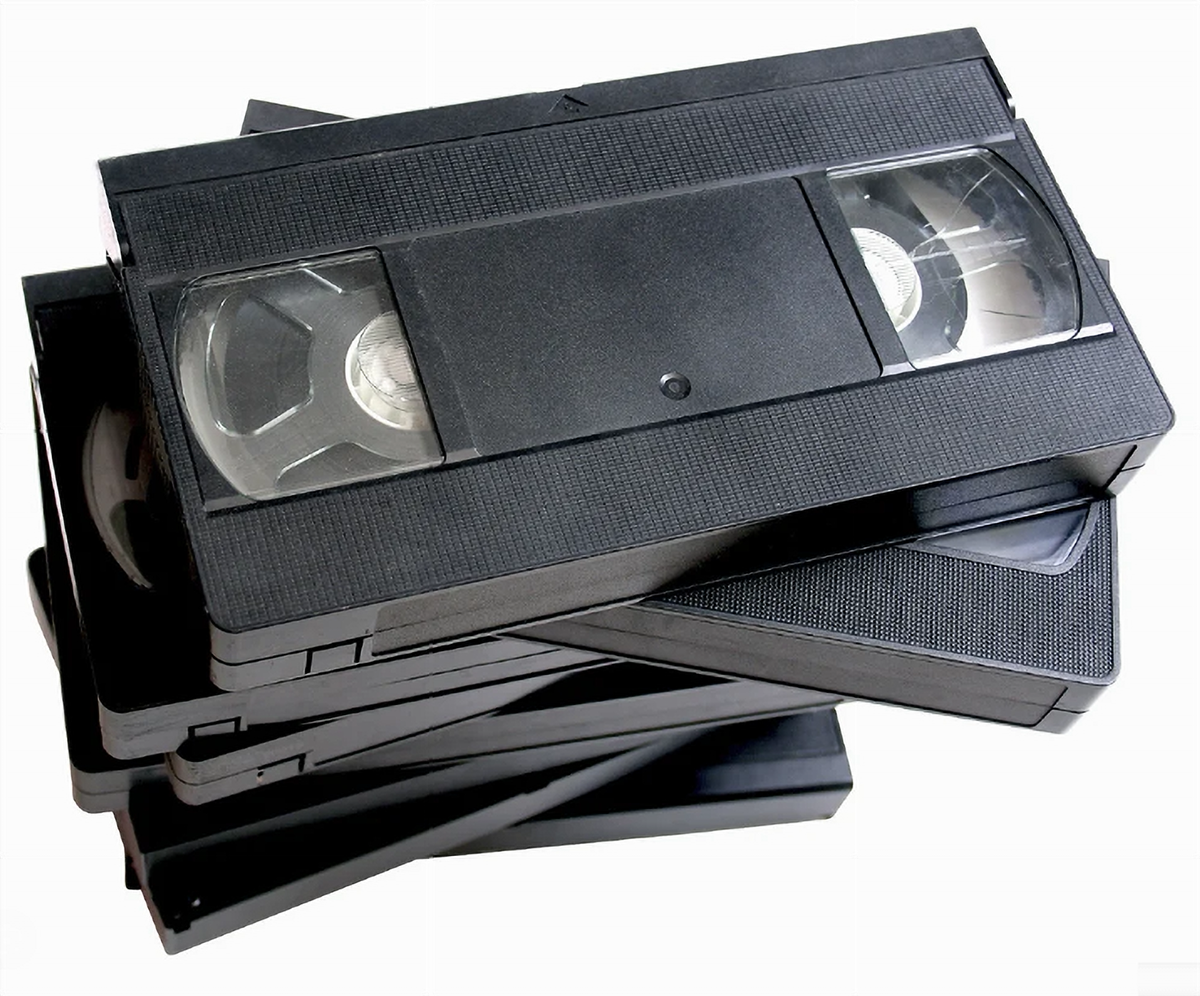
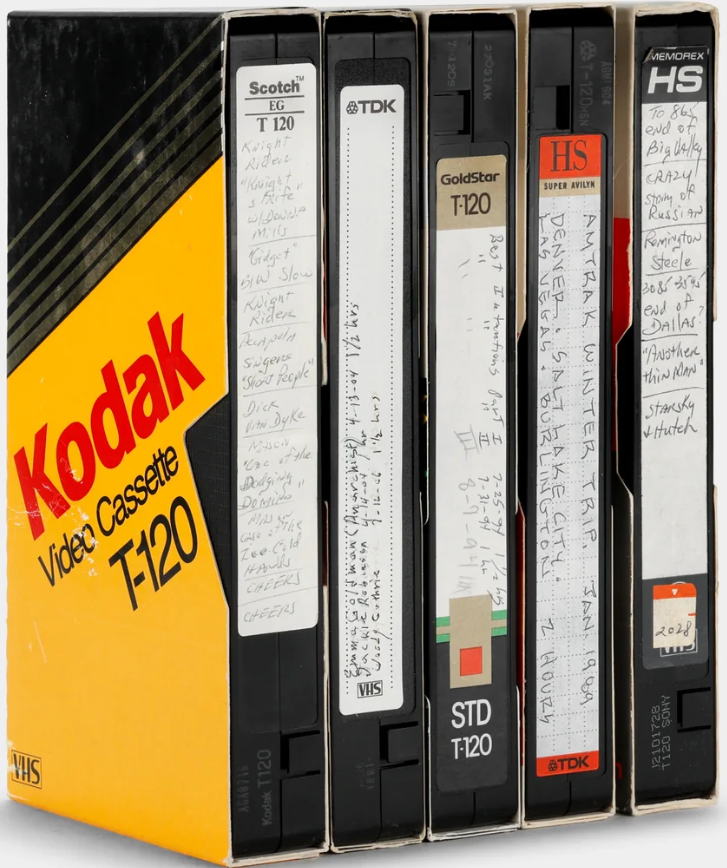
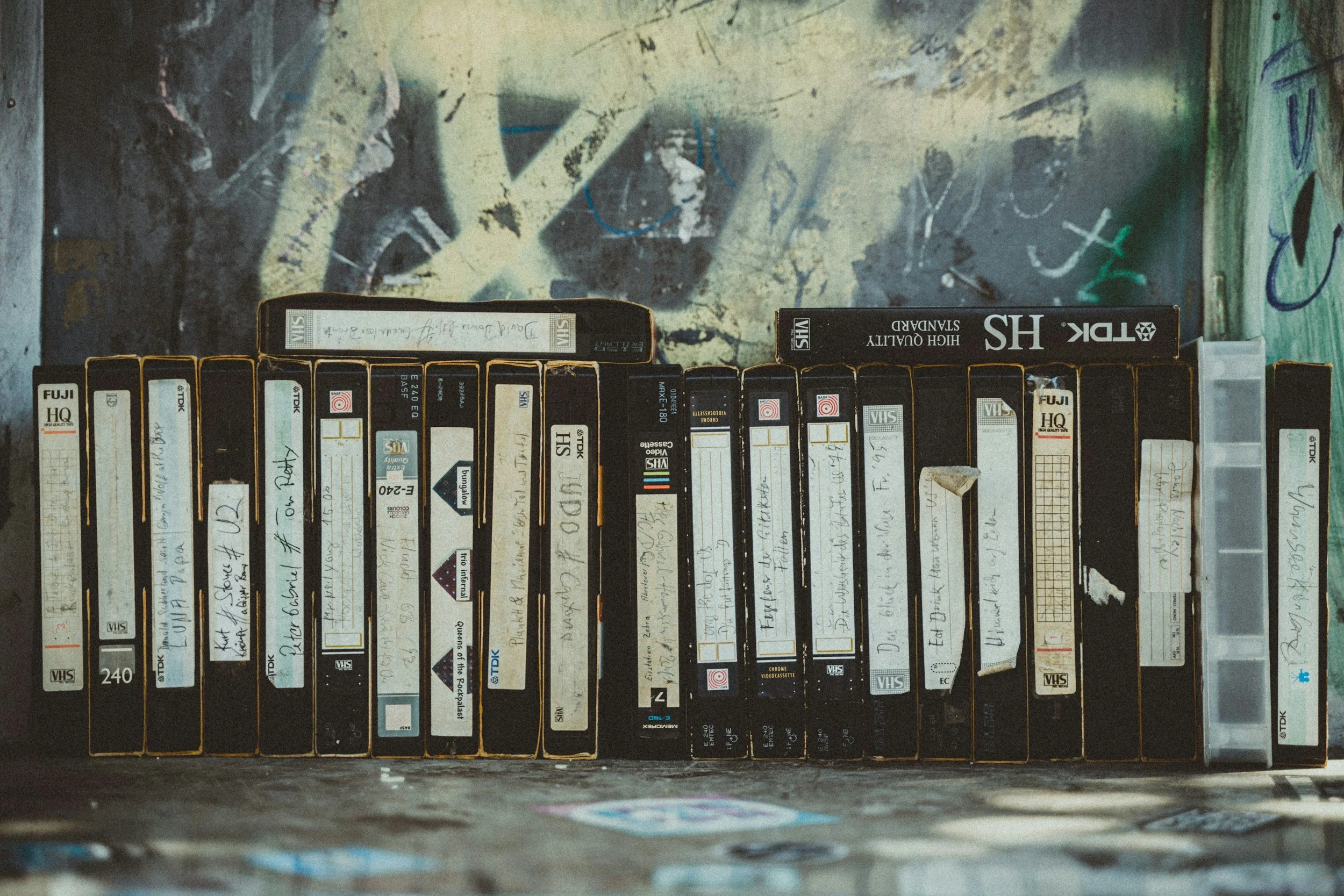
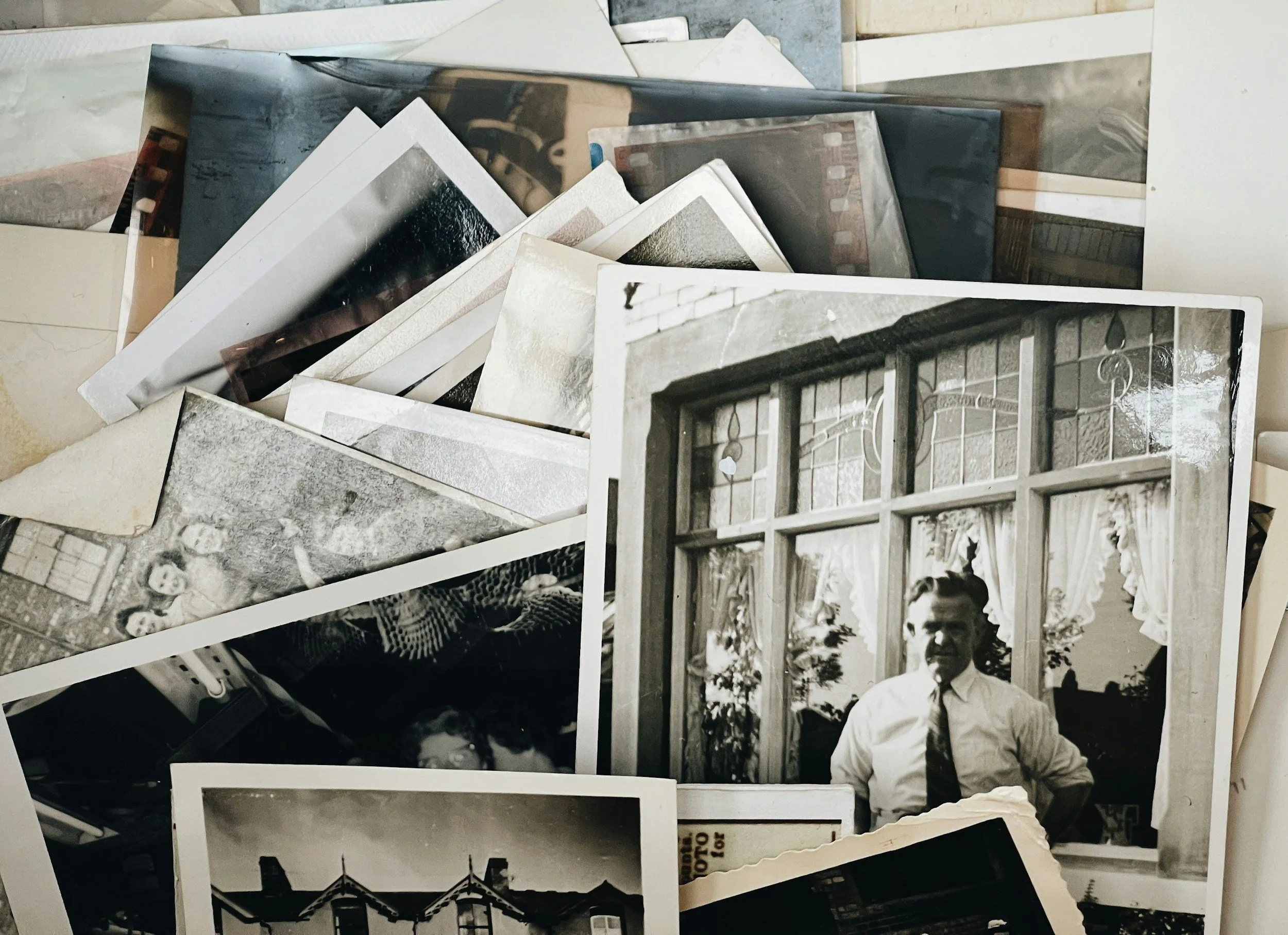
How does this apply to video and photo restoration? Well, if we’re staring at the same photos on the same part of the wall, day after day, we might not notice when the dyes in the photo start leaking out and failing. If we watch the same VHS videos on a regular basis, we might not notice gradual loss of video or audio quality, because things still sound basically the same, so your brain tells you that everything is OK. You’re sure to notice if the audio stops working, but a gradual garbling of the sound will probably go by unnoticed.
It’s important to remember that all forms of physical media change constantly. Photos change colors and fade, VHS tapes degrade and stop working. You can store things properly to help delay those changes, but it is inevitable. If you’re interested in a true preservation of moments, high-quality digital storage is the way to go. Unless those files are actively used and edited, they will stay the same indefinitely. The sooner your physical media is converted to digital storage, the more you can preserve the original qualities of that media without relying on significant restoration or reconstruction.
Restoration or Reconstruction?
It All Begins Here
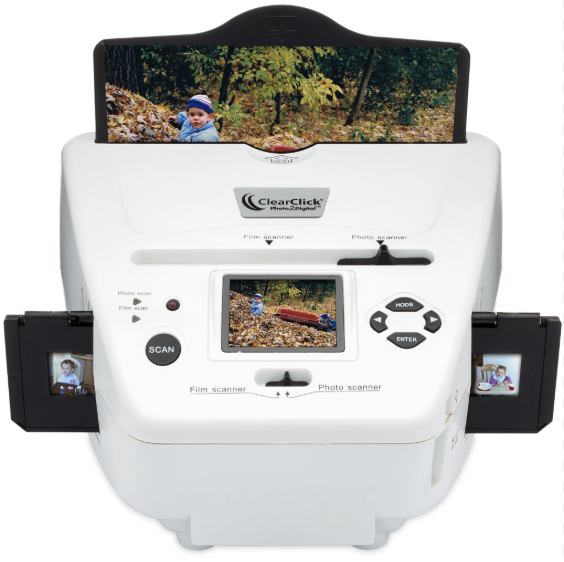
Ok, so you’ve brought us your photos and videos to convert to digital, and things don’t look or sound quite right when we’re going through them together. What’s going on, and how do we fix it? Well, depending on the original material, we have options for either restoration or reconstruction. These are two very different categories of work, and the distinction between the two is incredibly important! So, what are the differences?
Restoration involves fixing something that is already there. For photos, restoration services could be:
Fixing small tears and scratches.
Adjusting colors for faded photos.
Sharpening existing photos or adding contrast.
Reconstruction involves adding in something that wasn’t there before. For photos, reconstruction services would look like:
Fixing major damage, like fixing a photo of someone with half their face missing.
Adding color to black and white photos. As scientifically accurate as grayscale reading can be, it’s still a reconstruction.
Adding in details that weren’t there before. This includes removing objects, because whatever is behind that removed object must be added in.
For VHS tapes, restoration usually involves changing the tracking feature on a VCR, then running the tape multiple times to capture the best combinations of audio and video output. We can also adjust filters and due some overall color changes while still in restoration mode. However, VHS tapes very quickly run into reconstruction mode because they are so fragile. The audio and video are both magnetic markings on a piece of film, and once they’re gone, they’re gone forever. The better a VHS tape was originally created and stored, and the more recent the tape is, the better for digital storage. Otherwise, while we’re able to make very accurate inferences based on information from other frames, we’re still having to create something brand new to reconstruct your videos.
Does Digital Format Matter?
It All Begins Here
So, we’ve established that physical media changes over time. Whether they’re photos, video tapes, or cassette tapes, being exposed to the elements will change their quality over time, and not always in ways that are immediately noticeable. CDs and DVDs change over time, too, but the changes tend to be less gradual. One day your music will play, and the next day it just…won’t. Digital storage will keep your things preserved, but can they still change over time? More importantly, does HOW they’re digitally stored matter?
The answer to both questions is a resounding YES! Digital files can change over time, because how we view the files can change over time. We call that the file format, and it does not stay the same. For example, most people who grew up with computers will know of the JPEG image format, where your photos end with .jpg or .jpeg. This format was created FORTY YEARS AGO, all the way back in 1986! It was designed to be a standard to compress photos so they could be sent over the early internet, which was very slow. Because it was designed for compression, not detail, JPEG format photos do change as they’re opened, edited, and saved repeatedly. For digital storage purposes, more modern formats such as PNG are preferred, as none of the information is compressed, so the format is entirely without loss. JPEG photos can be fine if you have the choice to lower the amount of compression and don’t edit them, but for preservation purposes, PNG photos are safer.
You also have different digital video formats to choose from. Unlike photos, videos didn’t have a standard format early on, so there were a bunch of different incompatible types (QuickTime Player and RealPlayer were two of the popular early versions). The two most popular video formats these days are MP4 and MOV. MP4 videos are universally compatible, meaning they can be played on any modern device, but they do compress video files, meaning some information will be lost. This information mainly includes things that are not noticeable to human eyes and ears, and leads to MP4 being the standard of convenience. For strict preservation, MOV formats are the way to go. They are not always compatible with every device, and file sizes will be larger because no data is lost during compression. In both formats, once your video is saved, it is saved indefinitely. They won’t change over time unless you edit them, or the device they’re being stored on fails.